


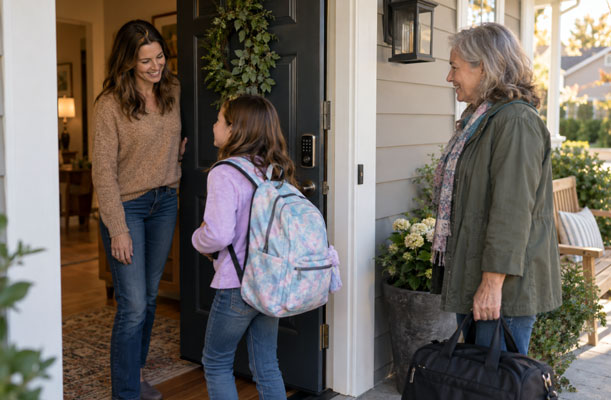
The neighbor who checks on your dog, the cleaner who comes on Thursdays, and your child coming home from school may all use the same front door. They should not all use the same smart lock access code. This guide explains why shared codes create problems, which codes to set up for household members, short-term guests, and regular service providers, and when each person’s access should end. It also covers who should manage code removal and what access features to consider when choosing a smart lock.
Why One Shared Code Becomes a Problem
A single household code feels simple until someone no longer needs it. If a visiting relative, former babysitter, and everyone in the family know the same number, you cannot remove one person’s access without changing the code for everyone. That makes a routine change surprisingly disruptive, so an old code may stay active longer than intended.
Think of each code as permission for a person and a period of time. Give each regular user a distinct code when the lock supports it, and you can retire an outdated code while the rest of the household keeps using theirs. Separate codes also make conversations easier: if a guest needs an extra night, you can extend that guest’s access instead of wondering who else has the family code. If someone mentions a code they were never meant to have, you know which permission to change. A code can still be passed along, so this is clearer administration, not proof of who actually used the door.

Set Up Three Types of Smart Lock Access Codes
Classify by the person’s actual pattern, not their job title. A child who comes home every afternoon needs a different arrangement from a cousin staying for a weekend or a cleaner arriving on a schedule. A repair technician visiting once fits the guest pattern; a sitter who arrives every weekday needs ongoing access.
| Who needs access | Code to assign |
| Household members | One ongoing code per person who uses the keypad regularly |
| Short-term guests | A separate guest code for the visit, with an end time if the lock offers that setting |
| Service providers | A distinct code for each cleaner, sitter, or other provider who needs independent entry |
For children, give each child a personal code and keep a parent responsible for changes: a child who walks home from school every day uses their own code, and a parent disables it during family trips. For guests, avoid passing along a household member’s code for convenience. A person-specific guest code lets you close out that visit without interrupting anyone else’s routine. If your lock allows scheduled hours, match them to the agreed visit window; if it does not, keep the code separate and handle removal yourself.
Decide Who Removes a Code and When
A code needs an owner as well as a user. Choose one adult to manage the lock, and keep a private list of names, purposes, and planned review dates — you do not need to record the PIN itself. If another adult grants access, agree on who updates that list.
Make code removal part of ordinary household transitions:

- When guests leave, or at the agreed end of their access window.
- The end of a sitter’s last shift
- Move-out day
If your lock supports scheduled access, set the end when you create the guest code. Otherwise, add a calendar reminder so the task does not depend on memory.
Recurring help needs a slightly different rhythm. A cleaner who visits every week can keep an individual code while the arrangement is active. When the provider changes, remove the old person’s access before assigning the replacement’s code — there is no need to reset everyone else’s entry because one service relationship changed. If visits pause for several weeks, decide whether the code should remain active during the gap. Disabling it and granting fresh access when work resumes may be simpler than leaving a permission open without a current visit on the calendar.
Do a quick review after a vacation, a change in childcare, or a move. Ask whether every active code still has a current user and a clear purpose. If the answer is unclear, check with the person who granted access and remove permissions that are no longer needed. A PIN is only one route through a connected lock: when someone leaves the household, also check any app invitation, face or fingerprint enrollment, and physical key they were given. Removing the number alone may leave another way in.
Look Beyond the Keypad When Choosing a Lock
Good code habits come first, but the hardware should make those habits practical. While comparing smart locks, look for a way to give people separate access, manage changes without disrupting the household, and use an entry method that suits everyday arrivals. Check the exact model’s access controls before assuming it can schedule codes or retain the history you want.
The eufy Smart Lock E40 is one example of a lock that adds context at the front door. Alongside PIN entry, it offers facial recognition, a 2K camera, and doorbell functions; facial data and video footage are stored locally. Those features can be useful when family members prefer different ways to unlock and you want to see who is at the door — they do not replace the need to remove old codes.
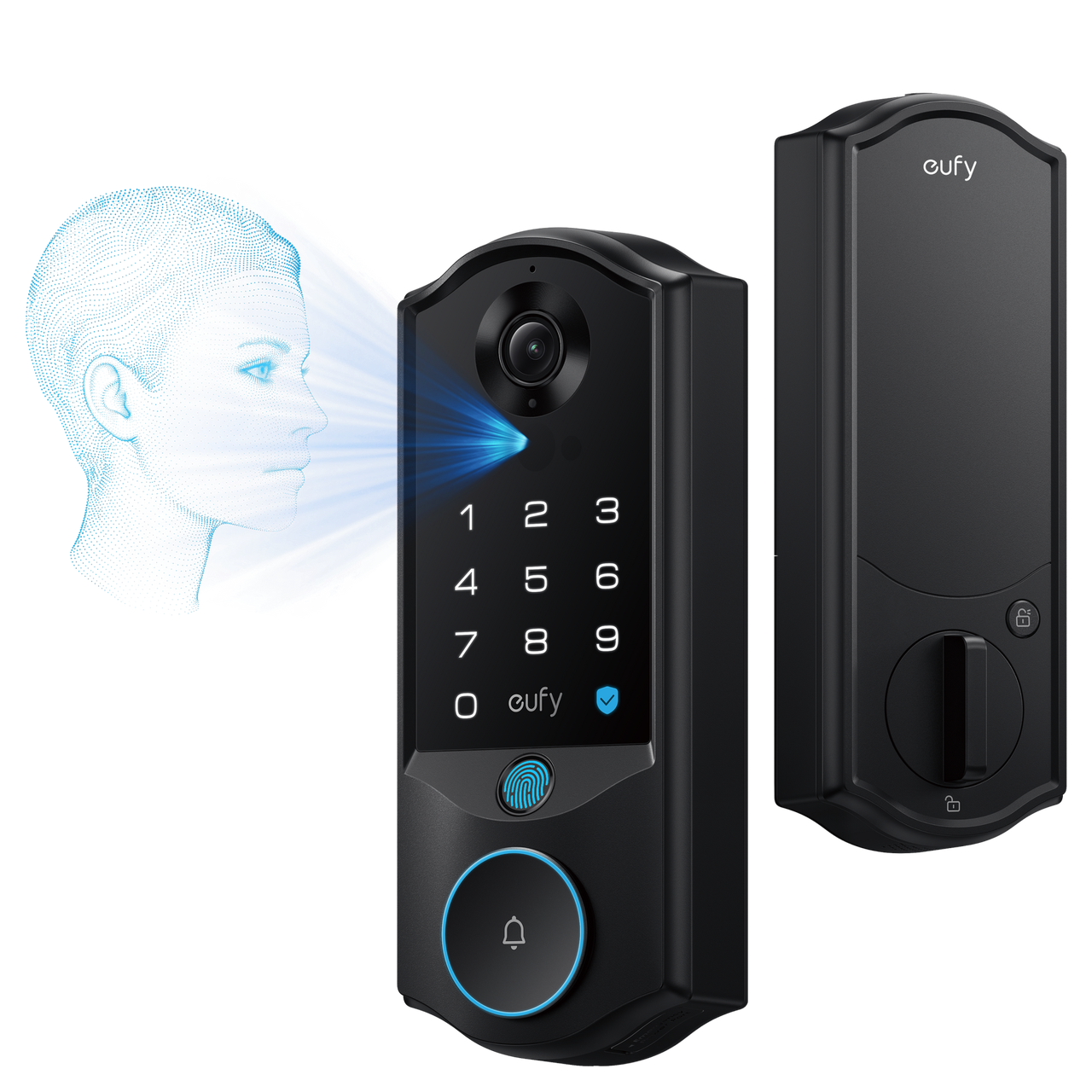
Alt: eufy Smart Lock E40
Before buying, confirm that the model fits your door and that its access settings match your household’s plan. The most useful smart features are the ones you will actually manage when a visitor leaves or a routine changes. Try an ordinary weekday before relying on the setup: have a family member use their own entry method, have a guest use theirs, then remove the guest’s code and confirm it no longer opens the door. This simple check shows whether the controls work the way your household expects.
Conclusion
Start with people, not features: give regular household users their own access, create separate codes for guests and service providers, and decide who will remove each code when it is no longer needed. That small plan keeps yesterday’s arrangements from becoming permanent by accident.
A smart lock can make arrivals easier, but the clearest improvement comes from knowing who can enter today and making it simple to change that answer tomorrow.