

A live face swap builds your new face from a single photo. With a browser tool like Live Swap Face, you upload the picture and turn on your webcam. The software then redraws that face many times a second to follow your expressions.
Because everything comes from one image, its flaws come along for the ride. A soft photo gives you a soft face. A face shot from the side leaves the software guessing at the half it never saw, and that guessing is where most of the wobble comes from.
Film studios work the other way around. To make Robert De Niro look decades younger in The Irishman, the effects team filmed him with three cameras at once and spent months on the shots. A home setup has one photo to go on, so picking that photo is most of the job.

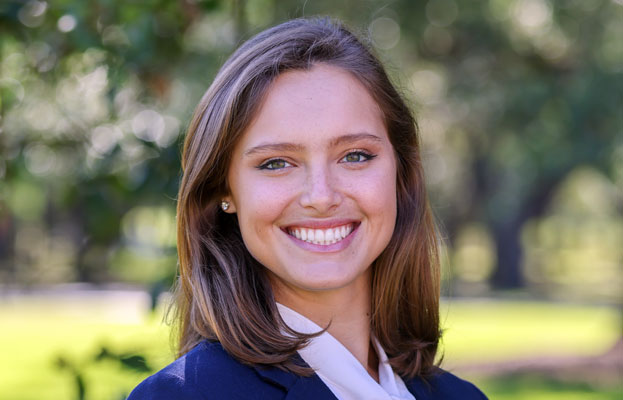
LiveSwapFace’s own advice is a clear, front-facing photo with even lighting and the whole head in the frame.
Selfies are the usual weak spot. A phone’s front camera is a wide lens held about a foot from your face. At that distance, it makes the nose look bigger and the ears smaller, and the face swap copies the distortion. Have someone else take the picture from five or six feet away, at 2x if the phone has it.
Light comes next. Midday sun in southeastern Arizona puts hard shadows under the eyebrows and nose, and most people squint in it. Ball caps and sunglasses cover the eyes and forehead, the parts the software needs most. Open shade on a porch, a big window, or an overcast afternoon gives the soft, even light that works best.

Some problems never show on a phone screen. Beauty filters and portrait mode smooth out skin and blur the edges of hair. Chat apps shrink photos when they send them, and a profile picture saved from Facebook may be only a few hundred pixels wide.
Before using a photo, open it and zoom in on the eyes. If the eyelashes and hairline have turned to mush, the software will be working from mush as well.
Retaking is the cheapest fix. If the face is yours, that’s five minutes by a window. If it’s a friend’s and they’ve agreed, ask for the original file, not the copy that went through the group chat.
Some photos can’t be retaken: an old yearbook picture, the only good shot from a trip, a character drawing that came back at low resolution. For those, an image unblur tool can sharpen a soft face, enlarge a small image and clean up the blocky patches that heavy compression leaves behind. Imageunblur says most photos take about 15 seconds and that uploads aren’t used to train its AI.
How well that works depends on the kind of blur. A photo that is small but clean scales up well, and mild focus blur, where the camera locked onto the background, usually improves. Heavy motion blur is different. When the eyes have smeared into streaks, the detail was never recorded, so the software has to invent it, and an invented face can look convincing without looking like the right person.
That risk is bigger for a face swap than for an ordinary photo repair, because the reference photo gets stretched across every expression you make. Eyes set a few pixels too far apart are easy to miss in a still picture and hard to miss after twenty minutes on camera. Compare the repaired photo with the original at the same size before you use it. If it only sort of looks like the same person, try a gentler setting or a different photo, and keep the original either way.

The webcam side matters as well, since the software reads your expressions from it. Sit facing a lamp or window rather than with one behind you, keep your whole head in frame, and look straight at the camera when the session starts. Full side profiles, a hand passing across the face, and glasses that catch the light are the moments most likely to make the picture glitch.
Testing is cheap if you set up first. According to the site, you’re billed by the second only while the AI video is on screen, and new accounts get 100 free seconds. Basic costs one credit per second; Pro costs six for face swaps. A few short runs with two or three candidate photos will show which one holds up.
For now the result plays only in the browser window. Using it as a camera in Zoom or OBS depends on a desktop app that hasn’t been released yet.
Whose face you use is the one rule that has nothing to do with image quality. Use your own, or the face of someone who has clearly agreed. The site’s policy forbids impersonating, deceiving or harassing anyone. A photo taken from someone’s social media isn’t permission, and with children you need their parents’ OK too.
Plenty of uses need nobody else’s face, from playing a game character on a stream to turning up at a class reunion as your 1995 yearbook self.